WAVV IS INSTALLED
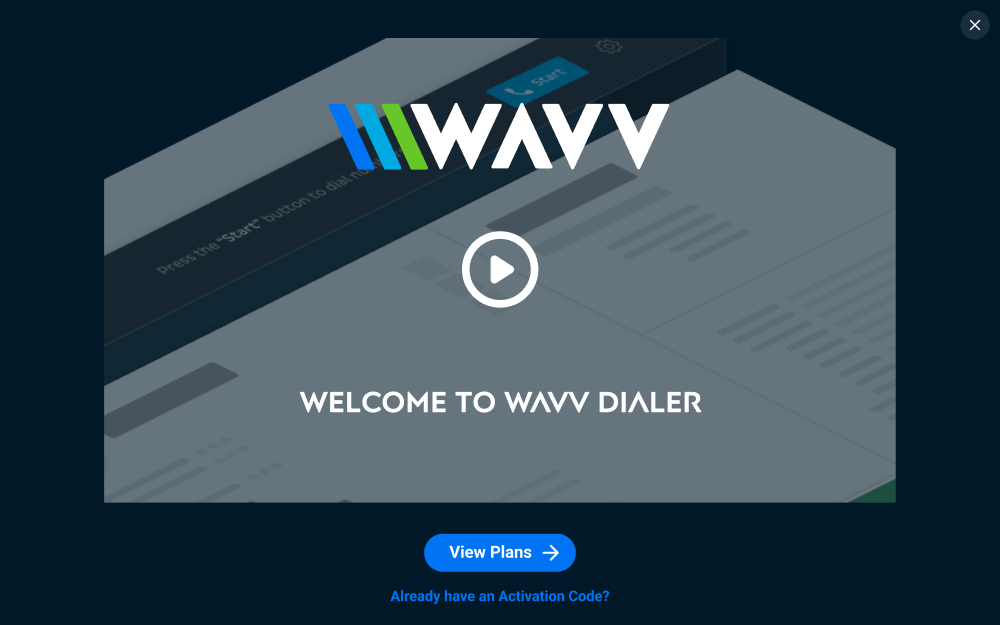
Watch the quick walkthrough below to connect WAVV to your sub-accounts and start dialing.
NEXT STEPS
Step 1
Pick which sub-accounts get WAVV. You can add more anytime from your Agency App Marketplace.

Step 2
Go to a sub-account with WAVV installed and click the WAVV button in the sidebar. Pick a plan to get started, or select "Already have an Activation Code?" if you have one.